Setting Up Assets
You can keep track of your assets by setting them up in the system and later you will have the ability to run reports based on your assets.

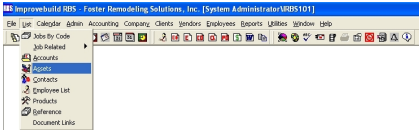
The Asset Search form will be displayed.
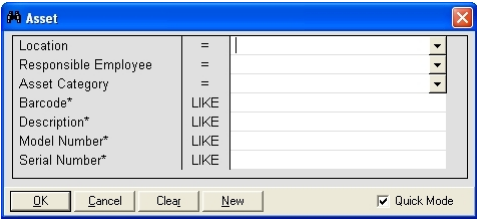
Click on NEW button to create a new Asset record.
To filter the result set, fill in the desired values and click on OK.
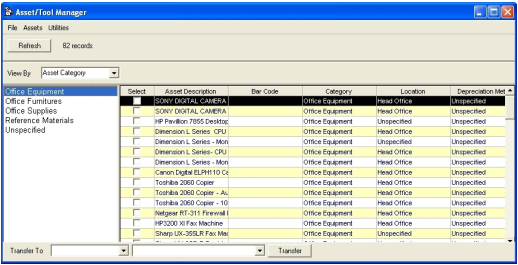
Click on the Asset Category to view a list of all assets in that category.
Click on the list\grid and do a right-mouse click to see the popup menu.
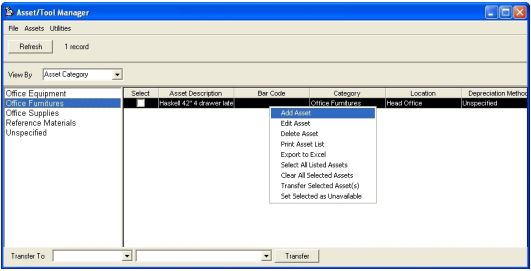
Select the ADD ASSET from the popup menu to create a new record.
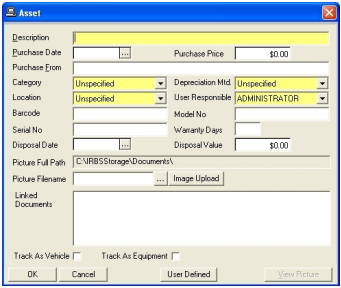
Enter the required fields and any optional fields as needed. Use the image upload to add any images for the asset.
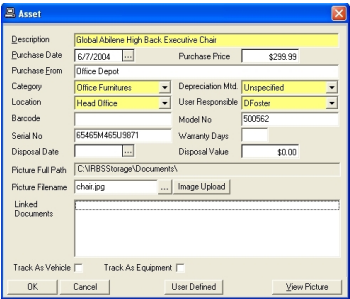
Click on the USER DEFINED button to add any site specific field values (if defined).
Click on th OK button to save the asset record.
To DELETE a record, select the DELETE option for the popup menu to view the details of the desired record.
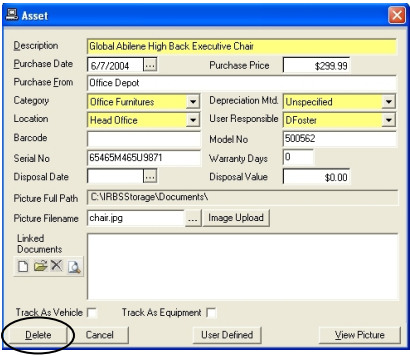
Click on the DELETE button to permanently remove the record.