Setting Up Products
You may want to keep track of Products that you use on a regular basis so you do not have to re-type the same information over and over. You can enter Products into the Product database and they will stay on file for future use. You will use
this information to get quotes or generate purchase orders.
The following instructions will guide you through how to enter Products into the database.

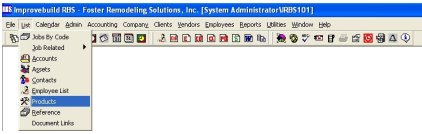
Using either of the above menu options, a Product Search form ill be displayed.
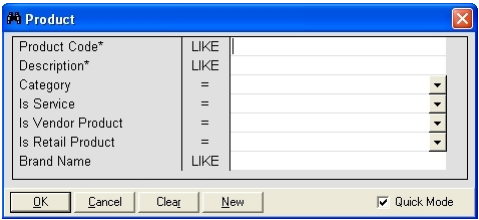
Enter the search criteria and click on the OK button to see the results.
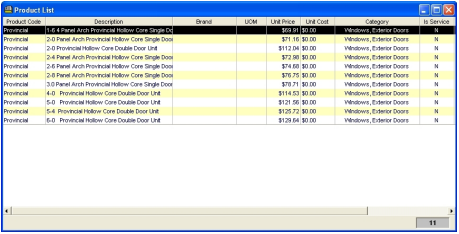
Do a right-mouse click on the grid to see the popup meu.
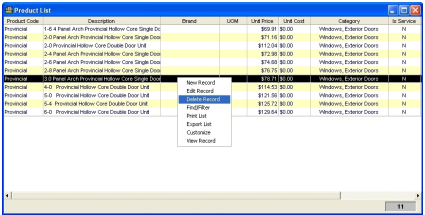
Select the NEW RECORD to add an asset record.
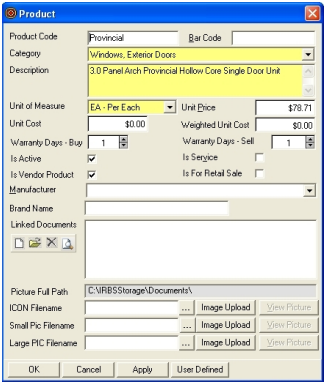
Enter all the required fields and any optional fields, then click on the OK button tosave the record.
To EDIT a record, select the record from the list to display the detail form. Click on the OK button after updating any desired fields.
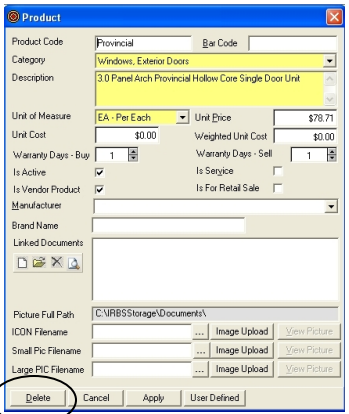
To DELETE a record,select the record from the list to displaythe detail form. Click on the DELETE button to permanently record the record.