Setting Up Groups
Groups are set up to assign certain tasks to different groups of employees within your office.
For example, you may not necessarily want your receptionist to have access to the same files as your president. This feature gives different groups of employees “rights” to perform tasks related to their job within RBS. Setting up groups will define which employees are responsible for what duties. You will need to decide what type of groups your company will use.
We have set up some default groups, but you can add, edit or delete these at any time.
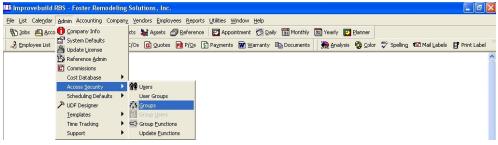
To maintain (add, edit or delete) groups, click on the menu item shown below.
A Group search form will be displayed for optional selection/filtering.
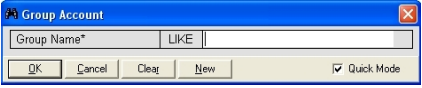
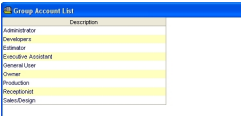
Click on the OK button to list existing groups that may match the selection filter. If no selection is specified, all exissting groups will be displayed.
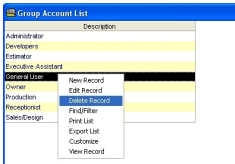
Do a right-mouse click on the list to display the popup menu with all the options.
ADD a new GROUP
Click on the NEW button to create a new group
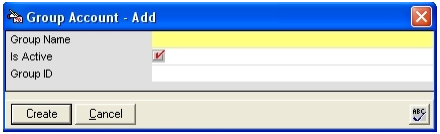
Enter the reuired field and any optional field, then click on the OK button to create the new group.
EDIT a GROUP
Select a record in the group list, and the details of the record will be displayed. Make any desired changes and click on the UPDATE button to save the changes.
DELETE a GROUP
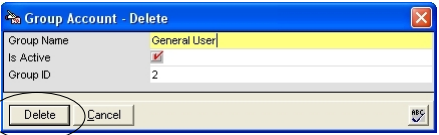
Click on the DELETE button to remove the record. A confirmation form will be displayed.
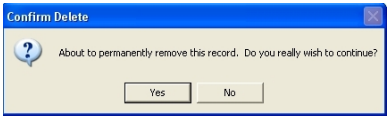
Click on YES to permanently remove the record.