Setting Up Companies
RBS provides a place to keep track of companies that you deal with, i.e. client companies, vendors, and subcontractors. You will need to set up these accounts for use of the Quote and Purchase Order tabs in RBS.
To set up these accounts:

Or
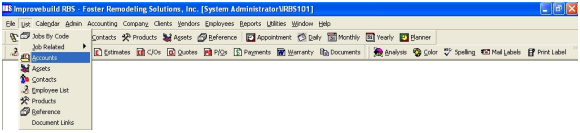
A search form will be displayed for user selection.
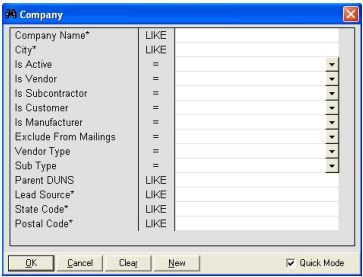
Enter the desired selection criteria and click on the OK button to display the list of records matching the selection requested.
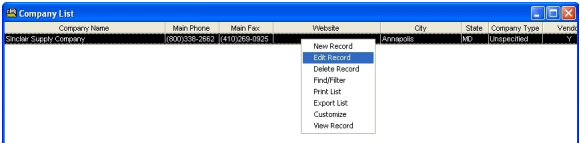
A right-mouse click on the list will display the popup menu items for selection.
New record - To create a new Company record.
Edit record - To edit the selected Company record.
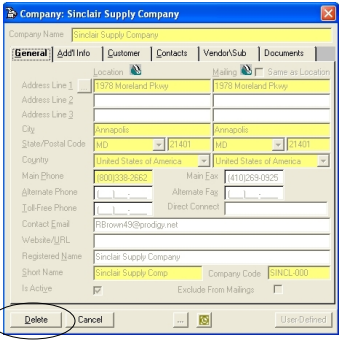
Delete record - To delete the selected Company record.
Find\Filter - Filter the results list.
Export List - Export list.
Customize - Customize list.
View Record - Display record details.
Edit Company Details
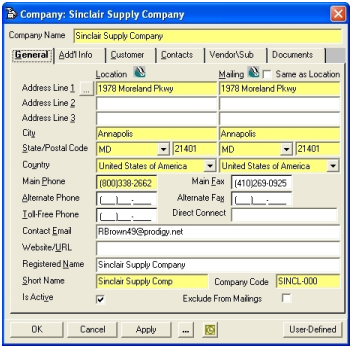
Delete Company Record
Send Company record to Outlook.
