Quote Tab
The Quote tab is used to enter a quote that can be sent to the vendor or subcontractor.
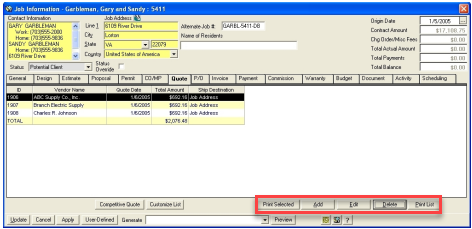
The list of any quotes for a job will be displayed in the list.
ADD new quote
Click on the ADD button to start a new quote.
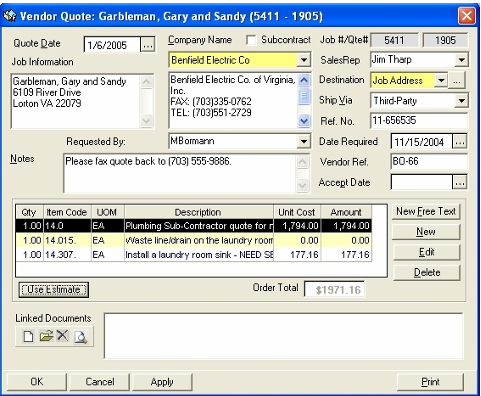
Quote Date: Today’s date will be automatically filled in but this is editable if needed
Subcontractor checkbox: Indicate if the vendor is a subcontractor
Job# / Quote# Job Information This will be automatically filled in This information will be automatically filled in Company Name Click on the drop down arrow to choose a Company to get a Quote from. The system will automatically fill in the Company Address (These vendors/subcontractors have been previously added. See Setting up Vendors, Subcontractors & Companies.)
Sales Rep: Vendor Sales Representative
Destination: Dropdown of shipping destination for the product.
Ship Via: Dropdown of shipping vendor
Reference Number: Optional reference number of shipment
Date Required: Enter date when items are needed by.
Vendor Ref: ou Vendor has a reference number it can be entered here Accept Date Once you have received quotes from several different vendors you can enter an
Notes: You can type any kind of note to your vendor in this space.
There are 3 ways to populate the items list/grid:
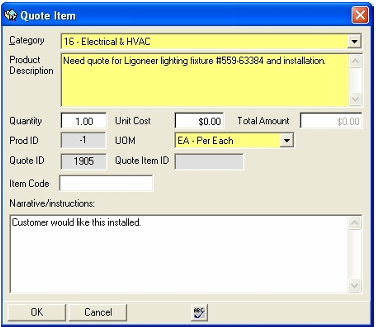
1) Free Text items are those that are not in the cost database.
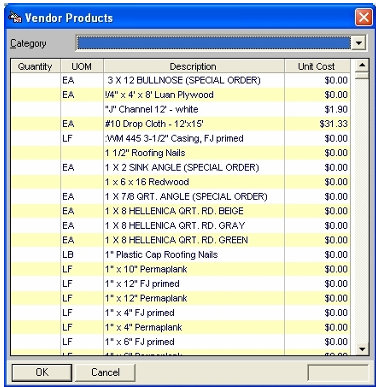
2) Items that are in the cost database that can be selected.
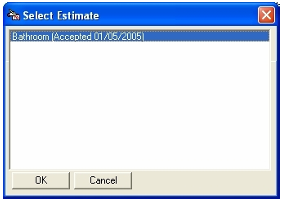
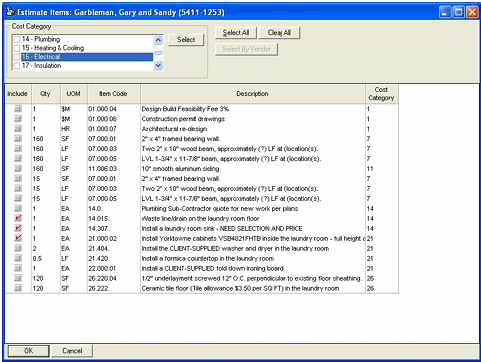
3) Use Estimate
New Free Text
Item from Database
Use Estimate