Install RBS License
After you install the software, you will need to attach the license pack in order to run the software.
Click on the IRBS icon to start ImproveBuild RBS.
You will be prompted to set up the license.
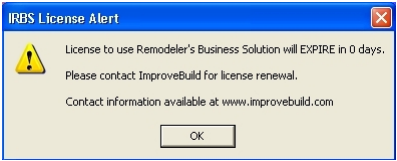
A prompt will be displayed to start the license install.
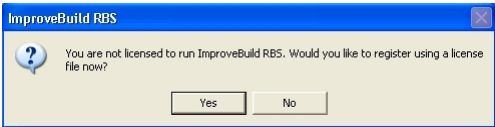
Click on the YES button to display the license install form.
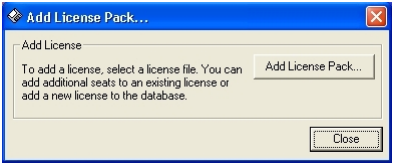
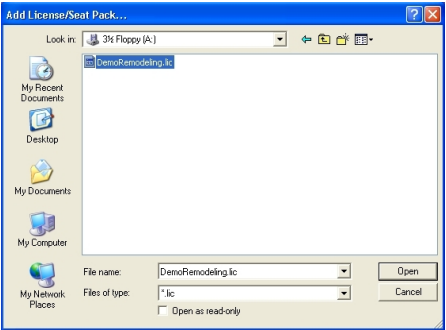
Click on the ADD LICENSE PACK to display the file browser. Using the file explorer, locate and select the license file that was provided for your company,
The program will automatically install the license pack and you will get this message when it is complete.
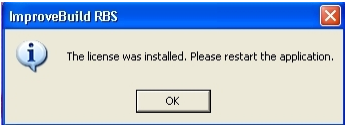
Click the OK button to close the application.